Vidofy
Create stunning videos, images, and audio instantly with Vidofy AI—no skills required.

English
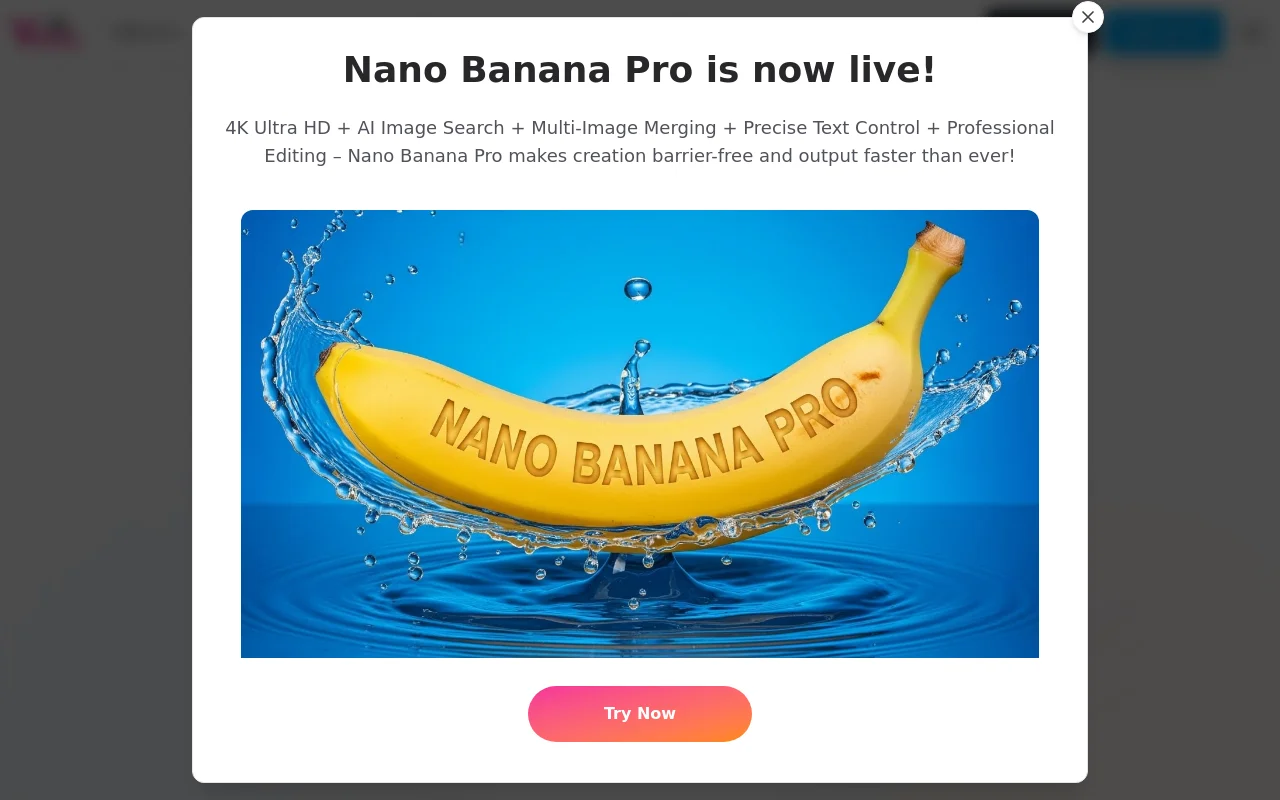
Vidofy AI is an all-in-one AI studio that relies on advanced technologies such as OpenAI Gemini, Kling AI, Runway, and Midjourney to allow users to turn simple text prompts into viral videos, stunning images, and realistic audio in seconds, without any skills. This product provides a rich AI model library, covering multiple functions such as video generation, image generation, speech synthesis, etc. It is also equipped with a powerful AI tool suite that can edit, convert and special effects process audio, video and images. The product is positioned as a comprehensive AI generation platform for creators. The Nano Banana Pro version has professional editing functions such as 4K ultra-high-definition AI image search, multi-image merging, and precise text control, making creation more free and efficient. In terms of price, it is free to use, and there is also a paid professional version.
Demand group:
["Content creators: For creators who need to quickly produce video, image and audio content, Vidofy AI's multiple generation functions can meet their diverse creative needs, save time and energy, and improve creative efficiency. For example, video bloggers can use the text-to-video function to quickly create video materials, and illustrators can use the text-to-image function to get inspiration or generate auxiliary materials.", "Advertising marketers: In advertising production, it is often necessary to produce attractive videos and images. Vidofy AI can quickly generate corresponding videos and images based on marketing copy, and can adjust and optimize the style of existing materials through the video-to-video and image-to-image functions to adapt to different advertising scenarios and target audiences. ", "Educators: Educators can use Vidofy AI to create teaching videos, animations, and images to make teaching content more vivid and improve students' learning interest and understanding. For example, use the AI animation generation function to create popular science animations, or use the text-to-image function to add illustrations to teaching materials."
Example of usage scenario:
Advertising companies produce promotional videos for clients and use Vidofy AI's text-to-video function to quickly generate multiple video plans of different styles based on product features and promotional copy, improving work efficiency and creativity.
When game developers design game characters and scenes, they use the text-to-image function to generate realistic character images and fantasy game scenes based on game settings, providing rich visual materials for game development.
When self-media bloggers produce video content, they use the image-to-video function to convert static photos into dynamic videos, making the videos more interesting and attractive, and attracting more fans' attention.
Product features:
Text-to-video function: Users only need to enter text prompts describing scenes, characters or actions, and Vidofy AI can convert them into high-definition and shocking videos. Whether it is movie-level footage or dynamic animation, it can be easily realized to meet users' diverse video creation needs.
Image-to-video function: After users upload static images, AI will give them life and generate captivating video clips with realistic movement and depth. It is especially suitable for adding dynamic effects to portraits, landscapes or concept art. The operation is simple and can be completed with one click.
Video to video function: After users upload an existing video, they can reimagine its style and aesthetics through text prompts, such as converting live scenes into animations, adding retro movie effects, or changing the entire environment while retaining the original motion, enabling diversified transformations in video styles.
Text-to-image function: Users can generate high-resolution, stunning images based on simple text descriptions. Whether it is realistic scenes, abstract art, or detailed character concepts, creativity can be transformed into visual reality, providing unlimited possibilities for image creation.
Image to image function: After users upload an image, they can use text prompts to modify its style, add or delete elements, change the entire settings, and achieve refined processing and iterative design of existing images. It is a powerful tool for image editing and processing.
AI animation generation function: This function can go beyond simple editing to generate complete 2D and 3D animated scenes from text, including character movements, scene transitions and expressive storytelling, ideal for the production of short films, advertisements and explanatory videos.
Speech synthesis and cloning function: The text-to-speech function can convert written text into natural and smooth speech, and the speech cloning function can create realistic AI speech clones based on audio samples for customized speech generation to meet different speech needs.
Usage tutorial:
1. Open the Vidofy AI website and register or log in. If you are a new user, you can choose a free trial.
2. Select the corresponding functional modules according to your needs, such as text to video, image to video, text to image, etc.
3. In the selected function module, follow the prompts to enter relevant information. For example, in the text-to-video function, enter a text prompt describing a scene, character, or action; in the image-to-video function, upload a still picture that needs to be processed.
4. You can choose the appropriate AI model and style effect according to your needs to achieve the ideal output effect.
5. Click the Generate button and wait for the system to process and generate the corresponding video, image or audio.
6. After the generation is completed, preview and edit the generated content. If you are not satisfied, you can adjust the parameters or re-enter the information to generate again.
7. After confirming that it is correct, save or download the generated content locally for subsequent use.













