Xpptx
Convert documents to professional PPT quickly with Xpptx. Effortless, fast, and fully customizable.

English
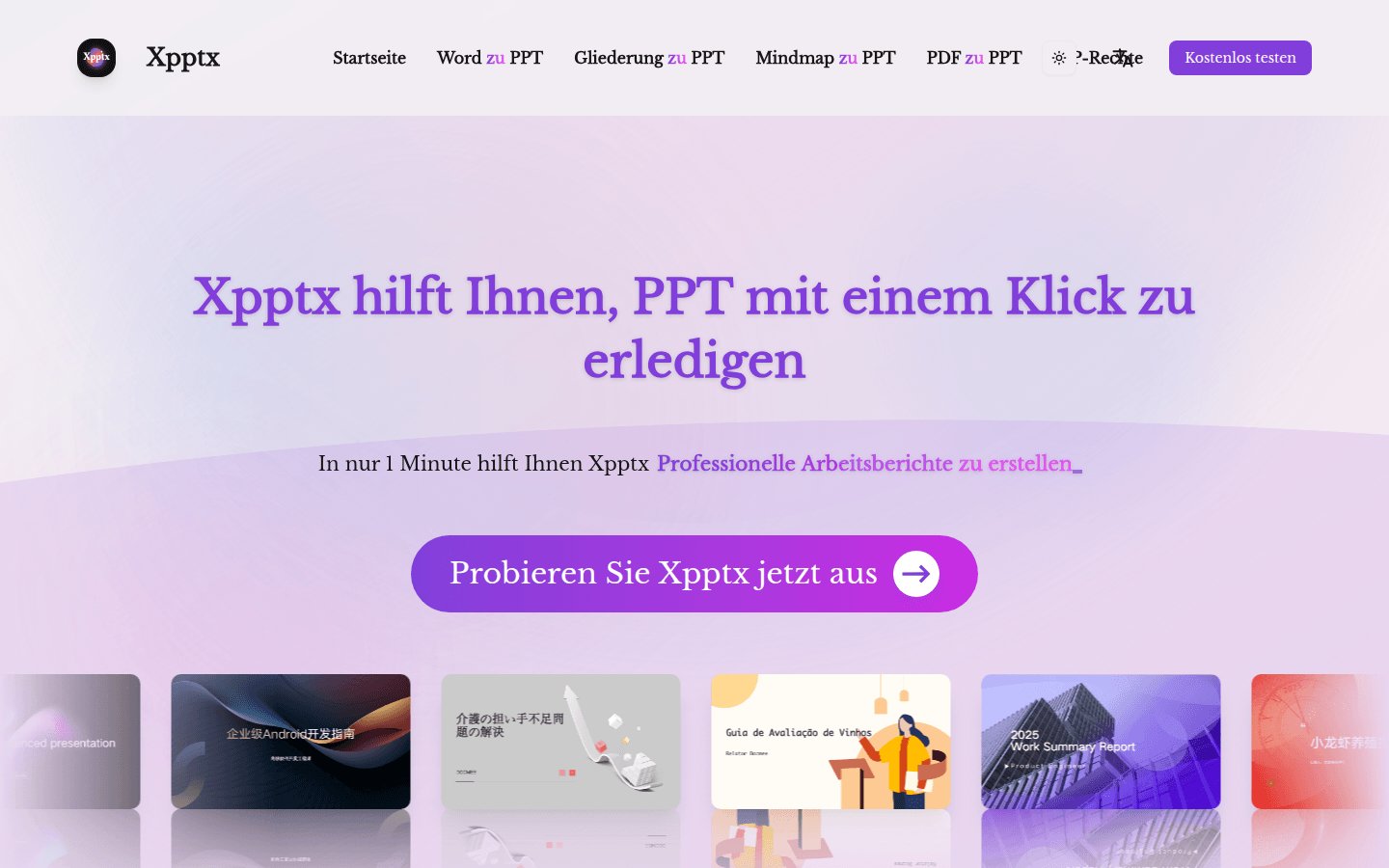
Xpptx is an online PPT generation tool. Its core function is to use AI technology to quickly convert documents in various formats into professional PPT. The importance is that it greatly improves the efficiency of PPT production and saves users a lot of time and energy. The main advantages include simple operation, just move the mouse to generate; supports conversion of multiple document formats, such as Word, outline, mind map, PDF, etc.; fast generation, generally only takes about 1 minute; supports full style customization and multi-format export, adapting to all scenarios. In terms of product background, it is committed to providing users with an efficient and fast PPT generation experience. In terms of price, it provides free trial and membership benefits. The positioning is to provide one-stop PPT solutions for users with PPT production needs, including students, professionals, etc.
Demand group:
["Student group: During the learning process, students often need to produce teaching courseware, project reports and other PPTs. Xpptx is simple to operate and fast to generate, which can help students Xpptx a lot of time, allowing them to focus more on content creation. At the same time, it supports multiple format conversions and full style customization, which can meet the diverse needs of students.", "Working professionals: Working professionals need to produce various types of PPT, such as work reports, marketing plans, project summaries, etc. The efficiency and professionalism of Xpptx can help them quickly complete PPT production and improve work efficiency. Moreover, its intelligent creation function can generate suitable PPT according to different scenarios, providing strong support for professionals. ", "Educators: Educators need to create teaching courseware.
Example of usage scenario:
Market research: Market researchers can organize the collected data and analysis results into Word documents or mind maps, use Xpptx to quickly generate market analysis PPT, report research results to superiors, and assist decision-making.
Work report: After each project, professionals can organize the project's progress, results, problems and solutions into an outline, and use Xpptx to generate a professional work report PPT to clearly display the work situation.
Teaching courseware: Teachers can input lesson preparation content into Xpptx in the form of Word documents or mind maps to generate exquisite teaching courseware to make classroom teaching more lively and interesting.
Product features:
Word to PPT: Users can directly input or upload Word documents to the Xpptx platform, and the system will automatically analyze the document content, extract key information, and convert it into beautiful PPT according to professional typesetting and design rules, saving users a lot of time on typesetting and beautification, and opening up a new way to make PPT.
Outline to PPT: After inputting the PPT outline, Xpptx can intelligently generate the corresponding PPT page based on the outline content, and supports full style customization. Users can choose different themes, fonts, colors, etc. according to their own preferences and usage scenarios. It also supports multi-format export, efficiently adapting to all scenarios such as reports and defenses.
Mind map to PPT: After users use mind maps to organize their ideas, Xpptx can quickly convert the mind maps to PPT. It will intelligently dismantle the nodes of the mind map and automatically perform layout and beautification, allowing users to efficiently implement their creative ideas into professional presentations without the need to manually adjust the layout and format of each page.
PDF to PPT: For documents in PDF format, Xpptx can convert them to editable PPT in seconds. Its AI intelligent recognition function can accurately identify complex formats in PDF to prevent content loss, and then automatically typeset and beautify the document, quickly transforming the document into a presentation with clear focus and high-quality online.
Intelligent creation covers all scenarios: Xpptx supports PPT generation in a variety of scenarios, such as market research, work reports, marketing plans, training materials, project reports, strategic planning, project summaries, sales demonstrations, etc. In market research scenarios, it can quickly generate market analysis PPTs, extract key data and trends, assist users in making decisions, and explore potential opportunities.
Usage tutorial:
1. Open the Xpptx website: Enter the website address https://Xpptx.com/zh in the browser to enter the official website of Xpptx .
2. Choose the conversion method: Choose the appropriate conversion method according to your own needs, such as Word to PPT, outline to PPT, mind map to PPT or PDF to PPT, etc.
3. Enter or upload content: If you are entering a title or document, enter it directly in the corresponding input box; if you are uploading a file, click the upload button and select the corresponding file to upload.
4. Customized settings (optional): If you need to customize the style of the generated PPT, you can select the appropriate theme, font, color, etc. in the setting options.
5. Generate PPT: Click the generate button and wait for system processing. Generally, the entire process only takes about 1 minute.
6. Export PPT: After the generation is completed, select the appropriate format to export, such as PPTX, PDF, etc.