AITextTune
AITextTune: AI-powered writing tool for students, professionals, and writers. Enhance clarity, style, and efficiency.

English
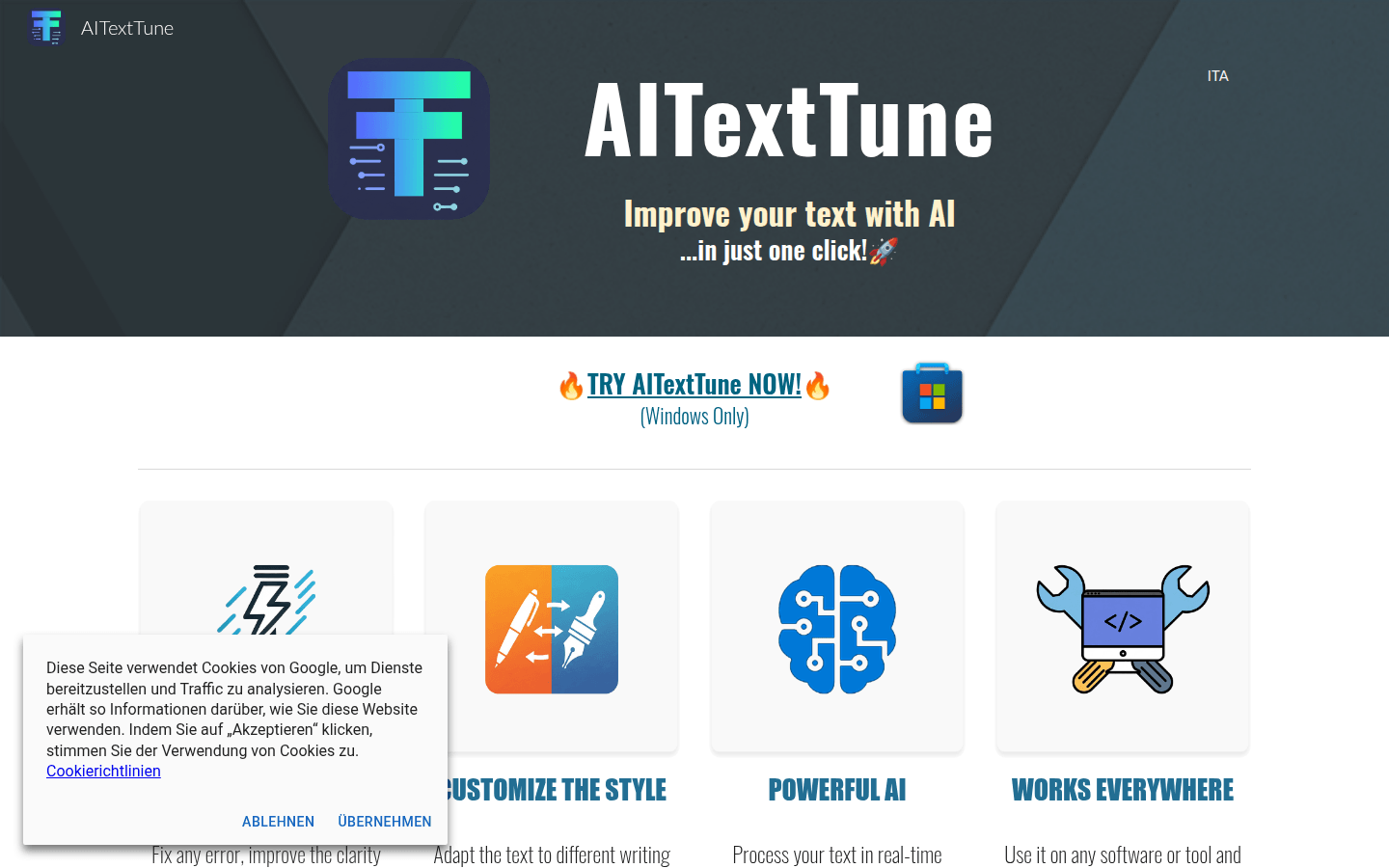
AITextTune is a desktop client software designed to improve writing efficiency and quality (only supports Windows systems). It relies on powerful Google Gemini AI technology and can process text in real time. The main advantage is that it is easy to operate, can complete text processing with one click, supports multiple languages, and has rich and diverse functions to meet different writing needs. This product is positioned as a writing aid to help users easily solve various problems in the writing process, such as correcting errors, optimizing text style, etc. However, all features require a valid Gemini API key and may not be available in some markets due to Google restrictions. Regarding price information, the page does not mention it.
Demand group:
["Student group: Students often encounter problems such as grammatical errors and unclear expressions when writing papers, assignments, reports, etc. AITextTune can help them correct errors and optimize text expression. It can also generate abstracts and provide explanations to assist learning and research, and improve learning efficiency and writing quality.", "Working professionals: In the workplace, they need to write various business documents, emails, reports, etc., which require high professionalism and accuracy of text. This product can help professionals quickly correct errors and adjust text styles to meet the requirements of business scenarios, improving work efficiency and professional image.", "Freelance writers: Freelance writers need to switch between different writing styles and topics. AITextTune 's custom style function can meet their diverse creative needs, and its ability to quickly process text can help them save time and improve creative efficiency."]
Example of usage scenario:
When students write English papers, they use AITextTune to correct grammatical errors, optimize sentence expressions, and generate abstracts to improve the quality of their papers.
When professionals write business emails, they can use this product to adjust their email style to make it more formal, professional and effectively convey information.
When freelance writers create novels, they use AITextTune 's creative style customization function to add unique literary charm to their works.
Product features:
Correct text errors and improve clarity and fluency: It can accurately identify grammatical, spelling and other errors in the text and automatically correct them. It also optimizes the sentence structure to make the text expression clearer and smoother, significantly improving the user's writing quality.
Custom text style: Supports adapting text to different writing styles, from formal and rigorous business style to creative literary style. It can even be customized according to the user's personalized needs to meet diverse writing scenarios.
Real-time text processing: With just one click, text can be processed in an instant. Regardless of the length of the text, the processing results can be quickly provided, greatly improving writing efficiency.
Multi-language support: It can be used in any software or tool, and supports text processing in 25 different languages, including summary generation, translation and other functions, making it convenient for users around the world.
Generate text summary: It can accurately extract the core content of the text and generate a concise and clear summary to help users quickly grasp the key points of the text and save time in reading and understanding.
Provide text explanations: Provide clear and understandable explanations for texts based on the user's knowledge level, making complex content easy to understand, especially suitable for learning and research scenarios.
Personalized chat and prompts: Users can personalize prompts through the chat function and interact with AI to make the processing results more in line with their expectations.
Usage tutorial:
1. Select the text to be processed.
2. Press the "Ctrl" key and tap the "C" key twice (i.e. Ctrl + C + C).
3. Select the processing method from the provided options, such as select style, correct and optimize, generate summary, explain text, translate, etc. You can also use the chat function for personalization.