Banana Pro
Create stunning visuals with Banana Pro—AI-powered image generation and editing for artists, marketers, and designers.

English
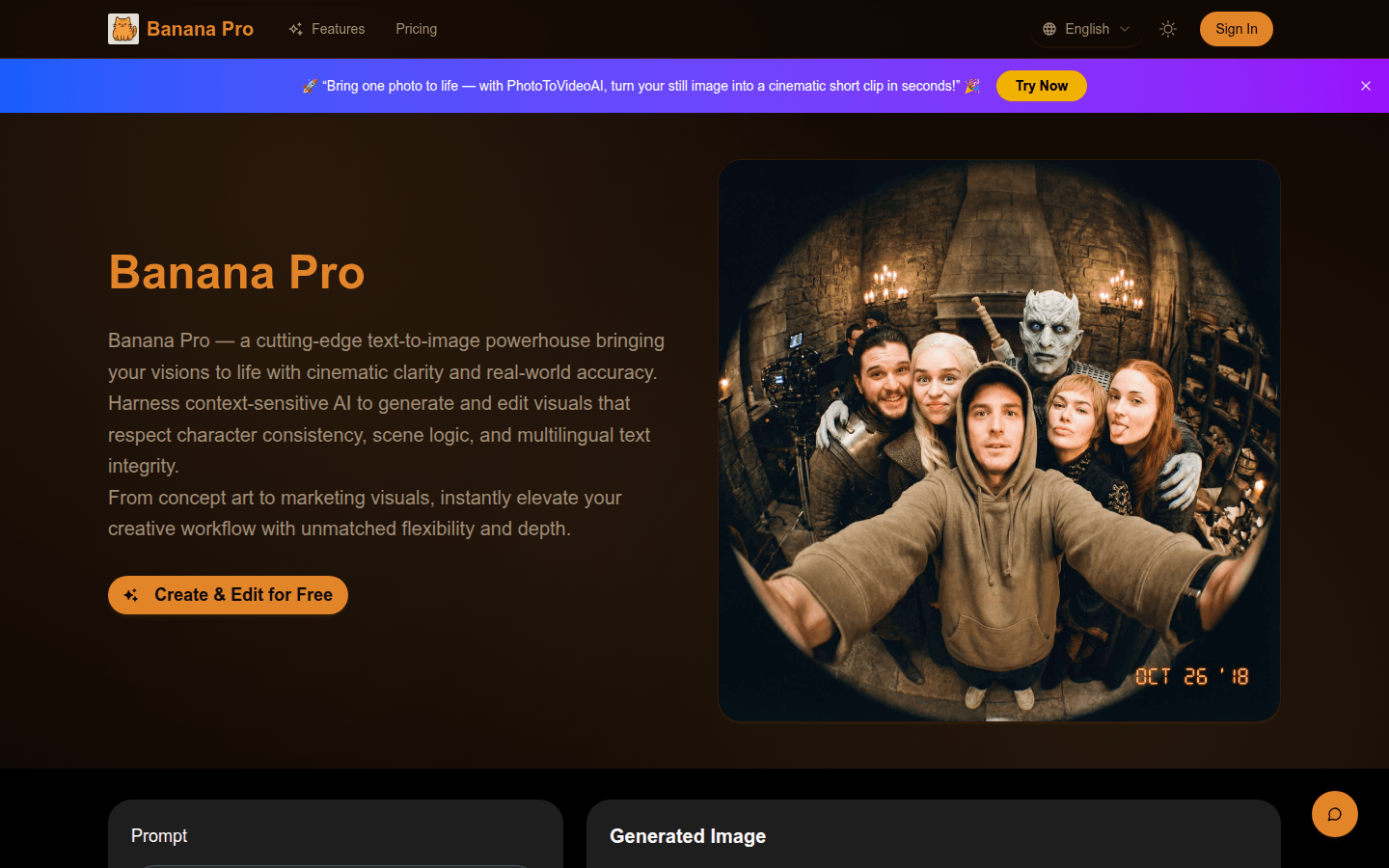
Banana Pro is the latest generation image creation and editing model that understands user intent, visual context and design goals. It combines creative freedom with professional-grade precision, with deep context and visual reasoning. Its background is to meet the needs of professionals for high-quality image generation and editing. This product supports a free trial, and may require payment later. Its positioning is to provide professional AI visual tools for all types of creative workers to help them improve the efficiency and quality of their creative workflow.
Demand group:
["Digital artists and illustrators: Banana Pro can help them quickly iterate visual works, maintain style and character consistency between different works, whether it is character art creation or scene composition, improving creative efficiency and quality.", "Marketers and content creators: You can use this tool to generate eye-catching visual materials, product mockups or social media assets to enhance the appeal of marketing campaigns, advertising and online images with high-quality visual effects.", "Product designers and e-commerce practitioners: can quickly produce high-quality product visual effects, models, life scene photos or marketing images, and can quickly iterate different backgrounds and compositions to match brand aesthetics and meet the needs of e-commerce product display and marketing."]
Example of usage scenario:
Comic creation: Comic creators can use Banana Pro to design original characters and ensure that the characters maintain a consistent appearance in different scenes and poses.
Game development: Game developers can use this tool to generate imaginative game scenes and backgrounds, adding unique visual charm to the game.
Product marketing: Marketers can use Banana Pro to produce high-quality product visual effects and marketing images to enhance the market appeal of products.
Product features:
Text and image fusion function: Supports the use of natural language instructions, and can also combine text with existing visual materials, allowing Banana Pro to interpret them seamlessly. It can not only generate images from scratch, but also intelligently edit uploaded images.
Local area editing function: If you only want to adjust a certain part of the image, Banana Pro supports editing operations in specific areas. You can adjust local lighting, replace objects, or polish details without affecting the effects of other parts of the image.
Style-aware fusion and migration function: It can integrate the style of reference images with newly created content, and retain the style characteristics of reference images when generating new image content. It is suitable for concept art, brand design or maintaining a unified visual image.
Iterative refinement workflow function: allows users to gradually refine visual effects, adjust prompt words or images multiple times, and gradually improve image details while maintaining consistency in style, lighting, characters, and layout.
High-quality output function: Able to generate images up to 4K resolution with clear image details, clear and readable multi-language text, realistic lighting effects and depth, suitable for professional design, advertising, digital art and other fields.
Intelligent AI core functions: With advanced reasoning and real-world cognitive capabilities, the generated visual content is based on real-world semantics, and can be perfectly presented from accurate logos to culturally aware text rendering and believable scenes.
Usage tutorial:
Step 1: Provide tips or upload references. Write down creative ideas in natural language, or upload existing images to guide style, scene or content. Banana Pro understands both text and image context.
Step 2: Generate or edit the image. Trigger models to create entirely new images or optimize existing images, using natural language prompts to precisely control style, lighting, layout or elements.
Step 3: Iterate, refine and export. Review the output, adjust the prompt or image as needed, repeat until you're satisfied, and when finished, export the image in high resolution for use in art, marketing, or digital projects.