Flux 2 AI | Free Online Advanced Flux.2 AI Image Generator & Editor
Generate stunning AI images instantly with Flux 2 — free, powerful, and easy to use.

English
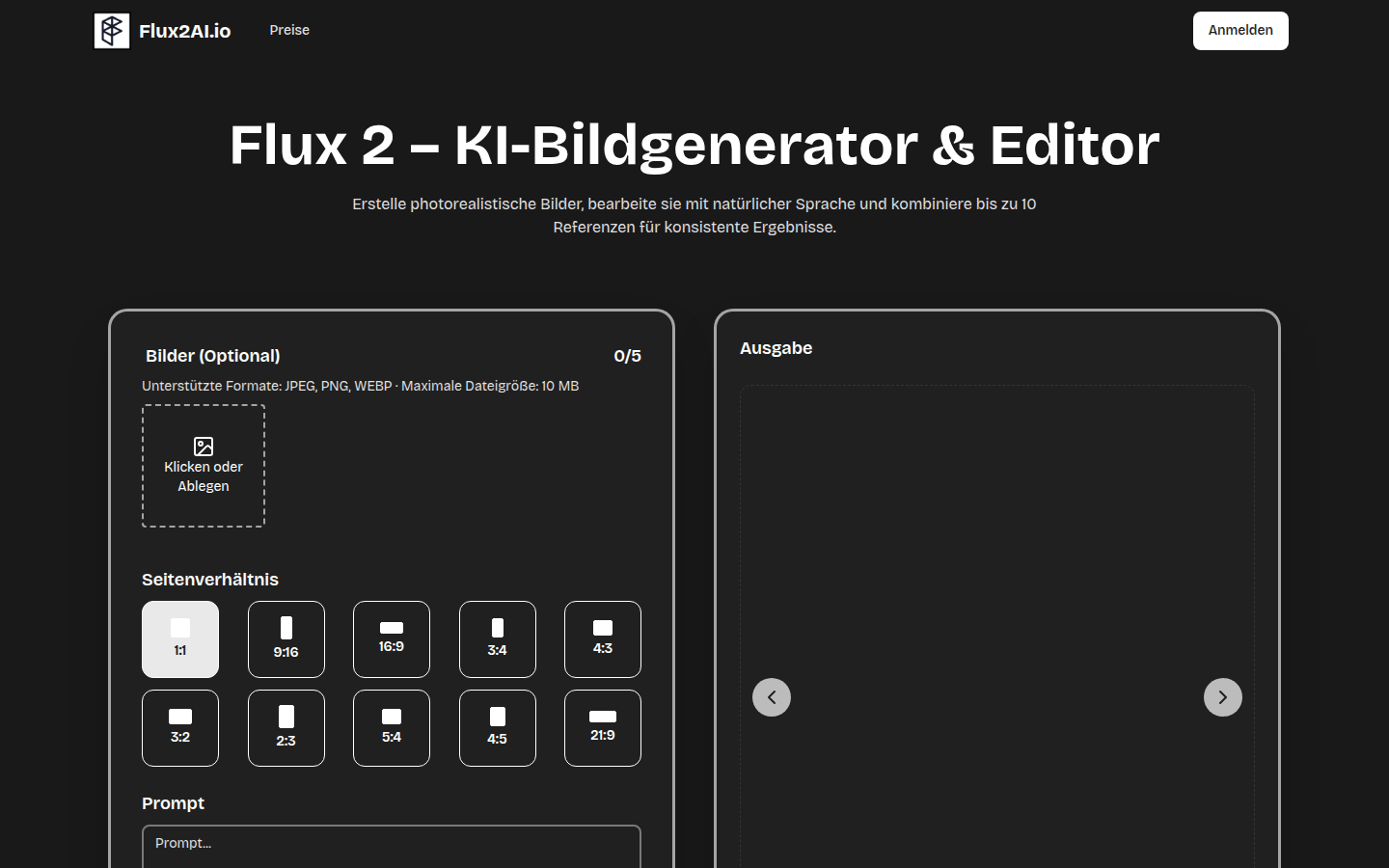
Flux 2 is the next generation AI image engine from Black Forest Labs that quickly transforms text prompts and reference photos into photo-realistic images. Its advantages include retaining the original composition, fast style switching, precise adjustments, etc., and supporting text-to-image and image-to-image creation. The product is positioned to provide creators with convenient and efficient image generation and editing tools. There is currently a free version.
Demand group:
["Artists: Flux 2 provides rich style presets and powerful image editing functions, which can help artists quickly transform ideas into visual works. For example, concept art presets allow artists to quickly iterate game assets.", "Marketers: Can generate high-quality marketing materials in a short time, such as product scene replacement, generate multiple advertising backgrounds for A/B testing, etc., saving time and costs and improving work efficiency.", "Amateurs: Can easily realize various creative ideas, such as virtual fittings, converting customer sketches into exquisite interior renderings, etc., making creation easier and more interesting."]
Example of usage scenario:
Virtual fitting: Users can quickly preview different fabrics, cuts and colors by uploading selfies without going to a fitting room, and can also send realistic previews to friends.
Product scene replacement: Upload a product image, and AI can place it into the theme scene to generate pictures suitable for marketing activities, without the need for expensive shooting equipment and venues.
Concept art creation: Using concept art presets, artists can quickly iterate game assets and provide creative inspiration for the art team.
Product features:
Preserve scene structure: During image editing, key subjects remain perfectly positioned while the rest of the frame evolves as needed, ensuring subjects and scenery align naturally for realistic results.
Quick style switching: Switch between different moods or looks in seconds, such as from cinematic blue-orange tones to soft pastels or bold monochrome styles, suitable for rapid concept and prototyping.
Precise adjustments: Finely adjust intensity, aspect ratio, and output quantity. Adjust parameters such as brightness, blur, and color temperature in real time with interactive sliders. Use histogram and focus peak overlay to judge exposure and sharpness.
Advanced image detail processing: An advanced super-resolution pipeline preserves micro-texture, edge definition, and lifelike color accuracy at any output size, while advanced AI denoising removes compression artifacts without softening important edges.
Diverse style presets: Provides preset packages covering a variety of styles such as fashion, products, landscapes, and conceptual art, which can automatically balance exposure and contrast, speeding up the experiment and creative process.
Realistic pose blending: Naturally blend subjects into new scenes with pose-aware depth estimation, producing convincing shadows and perspective effects without floating limbs or awkward cutouts.
Simple download and batch export: Support export of creative works in the best format, automatically embed color profiles to ensure accuracy across devices, and batch export images with multiple aspect ratios to simplify cross-platform publishing workflow.
Cloud Rendering Capabilities: All processing takes place on Flux 2’s secure cloud infrastructure, eliminating the need for heavy installation or the use of a GPU. Generate, edit and download from any device, saving local storage space.
Usage tutorial:
1. Upload a photo: Choose a clear, well-lit image to start creating.
2. Describe the edit: Detail the style, color, or other changes you'd like to see.
3. Generate and save: Preview the editing results, make necessary adjustments, and save the high-quality image.