FLUX.2 Pro AI
Generate high-quality 4MP images with FLUX.2 Pro AI—simple, fast, and perfect for creators and businesses.

English
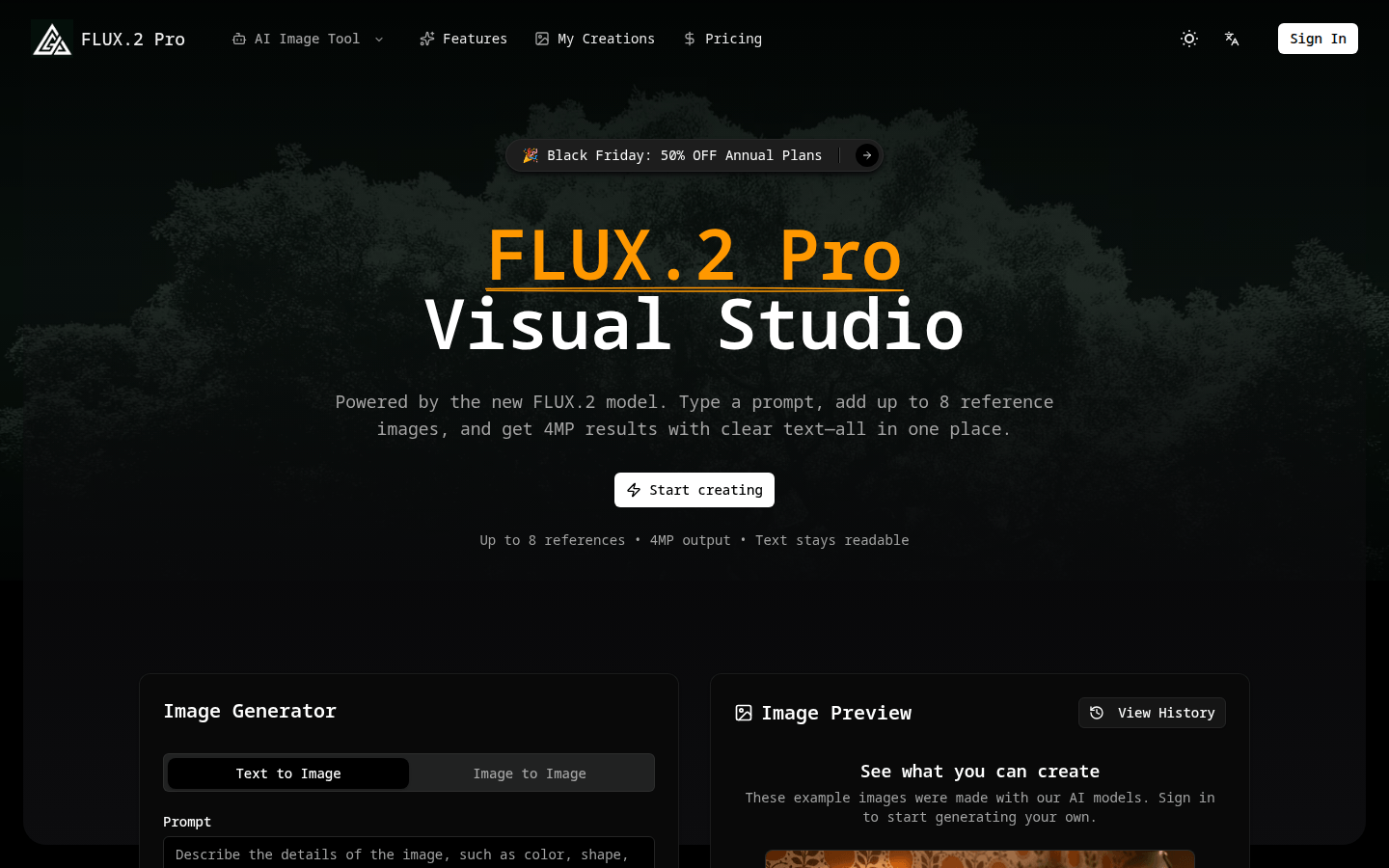
FLUX.2 Pro is a powerful AI image creation tool based on the new FLUX 2 model. It provides users with a simple and easy-to-use interface. Users only need to enter prompt words and add up to 8 reference images to quickly generate 4MP high-quality images, while the text remains clear and readable. The importance of this product is that it greatly simplifies the process of image generation and editing without requiring users to have professional design software skills. The main advantages include support for up to 8 reference images, 4MP high-resolution output, clear and readable text, integrated generation and editing, etc. The product is positioned for the majority of users who need to create images, whether they are individual creators or business teams. In terms of price, there is currently a Black Friday event, with a 50% discount on the annual plan, and the opportunity to register for free to get free points.
Demand group:
["Individual creators: For individual creators, FLUX 2 Pro provides a simple and easy-to-use platform. There is no need to master complex design software. Just enter prompt words and add reference images to quickly generate high-quality images to meet their needs in creative expression, artistic creation, etc.", "Business team: Business teams need a large number of images with consistent styles when carrying out product promotion, advertising design, etc. FLUX 2 Pro supports batch generation functions, which can automatically generate images that meet brand requirements based on reference images, ensuring visual unity and improving work efficiency. ", "E-commerce practitioners: E-commerce practitioners need to display various details and features of products. FLUX 2 Pro's high-resolution output and clear and readable text can help them generate high-quality product images to attract consumers' attention. "]
Example of usage scenario:
Individual artists use FLUX 2 Pro to quickly generate unique art paintings by inputting creative prompts and adding style reference images.
E-commerce merchants upload product pictures and brand style reference pictures, and batch generate product promotion pictures from different angles and scenarios.
Advertising agencies use FLUX 2 Pro to generate advertising posters with clear text and professional style based on advertising copy and brand requirements.
Product features:
Supports adding up to 8 reference images: Users can upload up to 8 images to guide the layout, material or style of the image, reduce text descriptions through reference images, and achieve their creative intentions more accurately.
4MP high-resolution output: It can generate 4MP image results to ensure rich image details and clear image quality, meeting various high-quality image needs, such as commercial promotion, artistic creation, etc.
Text remains clear and readable: In the generated 4MP images, text content such as titles, tags, and comments remain clear and will not appear blurry, making it convenient for image creation that needs to contain text information.
Integration of generation and editing: text-to-image and image-to-image operations are completed in one process, allowing the editing process to maintain the same creativity and lighting effects and improve creative efficiency.
Supports multiple aspect ratio and resolution selections: Users can choose different aspect ratios according to their needs, such as 1:1, 2:3, etc., and can also choose resolution multipliers, such as 1K, 2K, 4K, to flexibly control the pixel size of the final image.
Save history: Every rendering and prompt word will be saved. Users can rerun, enlarge the image or export a PNG format file at any time to review and modify the creative process.
AI generates professional images: No design software skills are required, just describe the desired image with text, and FLUX 2 Pro can instantly generate high-definition, professional-level images, suitable for various scenarios.
Batch generation of brand consistency: Support uploading reference images and specifying generated variants, automatically remembering details such as color, style, product shape, etc., and batch generating images with consistent styles to ensure visual unity.
Usage tutorial:
Create an account: Log in to the website, select the appropriate plan, and unlock FLUX 2 Pro points.
Description or Upload: Enter a short prompt word and add up to 8 reference images to lock in the style or layout of your image.
Generate results: Choose text-to-image or image-to-image mode, adjust boot parameters and image size, and render quickly.
Download from history: Each render and cue word is saved, allowing the user to rerun, enlarge the image, or export as a PNG at any time.