Invoce.ai
Create professional invoices fast with Invoce.ai—ideal for freelancers and small businesses.

English
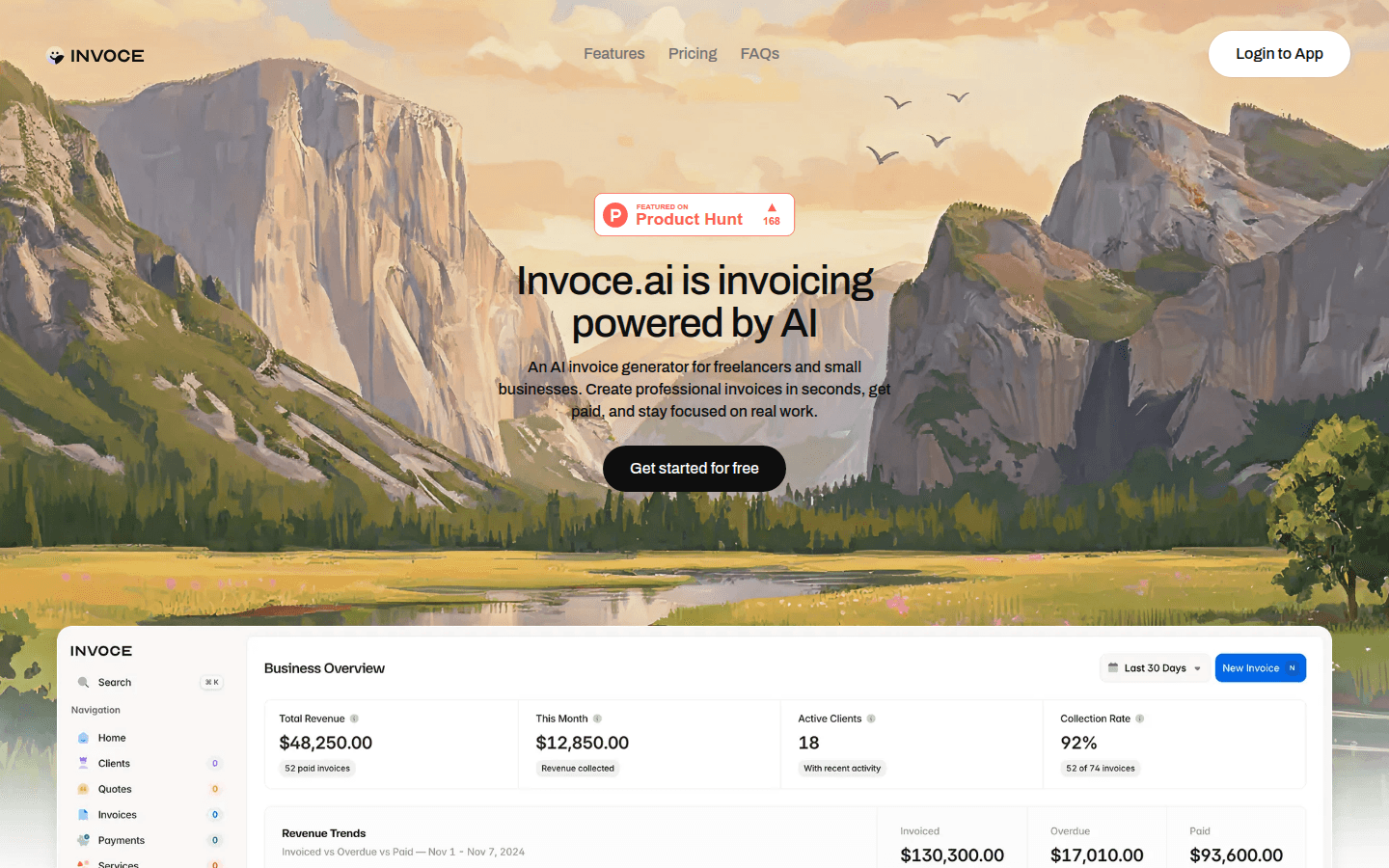
Invoce.ai is an AI-powered invoice generator designed for freelancers and small businesses. Its importance lies in greatly simplifying the invoice creation process, saving time and effort, allowing users to focus on their core business. The main advantages include rapid generation of professional invoices, support for multiple payment methods, powerful data management and tracking functions, security and reliability, etc. The product background is to solve the pain points of freelancers and small businesses in invoice management. In terms of price, there is a free starter plan that allows you to create up to 5 invoices and 5 quotes; a lifetime plan with a one-time payment of $49 (for the first 100 customers), and $98 thereafter, allows you to enjoy unlimited invoices, quotes, and AI workflows. Positioning is to provide efficient and convenient invoice management solutions for freelancers and small businesses.
Demand group:
["Freelancers: Freelancers usually need to handle invoices and quotes from multiple customers. Invoce.ai 's AI capabilities can help them quickly generate professional invoices, saving time and energy. At the same time, the platform's payment link function and data management functions can make it easier for freelancers to collect payments and track business.", "Small businesses: Small businesses may not have dedicated financial personnel to handle invoices and collections, Invoce.ai provides an easy-to-use solution that allows business owners to easily manage invoices and payments for all their customers. In addition, the platform’s multi-currency support and data export capabilities are also ideal for small businesses with international operations. ", "Entrepreneurs often need to respond to customer needs quickly, and Invoce.ai 's instant invoice generation feature can help them create professional invoices in seconds. At the same time, the platform's free starter plan also allows entrepreneurs to get started without incurring too much cost. "]
Example of usage scenario:
A freelance writer uses Invoce.ai to quickly generate invoices through AI, saving time and being able to focus more on writing while conveniently tracking customer payments.
A small design studio uses Invoce.ai to manage customers' invoices and quotes, collect payments faster through its own payment link, and improve the efficiency of capital flow.
An entrepreneur uses Invoce.ai ’s free plan at the beginning of his business, and as his business grows, upgrades to the lifetime plan to enjoy unlimited invoicing and quoting services and AI workflows.
Product features:
Create invoices through AI or a simple manual editor: Users can either use the artificial intelligence function and simply describe the work content in plain English, and the AI will analyze the text, extract services, assign the correct price and generate a professional invoice; or use a simple manual editor to build the perfect invoice from scratch.
Manage customers, quotes, invoices, services and payments in one simple place: Instead of searching for information in numerous emails, users can easily manage all business-related information by organizing customer, service, quote, invoice and payment information into five easy-to-use databases.
Use AI to create invoices and quotes instantly: With the powerful capabilities of artificial intelligence, users can let AI draft documents and quickly generate invoices and quotes in a few seconds, greatly improving work efficiency.
Collect payments faster through built-in links: Users only need to add their favorite payment links, such as Stripe, PayPal, etc., and customers can pay directly through these links without complicated settings to achieve instant payment.
Track revenue and business growth: Users can clearly view total revenue, unpaid invoices and monthly performance to gain a comprehensive understanding of their financial status, allowing them to better plan business development and ensure they are always aware of the financial dynamics of their business.
Usage tutorial:
Step 1: Visit Invoce.ai ’s official website (https://www.Invoce.ai).
Step 2: Click the "Start for Free" button to register an account.
Step 3: After logging into your account, you can choose to create an invoice using the AI function or the manual editor. If you use the AI function and describe the work content in ordinary English, the AI will automatically generate an invoice; if you use a manual editor, follow the prompts to enter relevant information step by step.
Step 4: During the process of creating an invoice, you can add customer information, service items, prices and other details. You can also set your company logo, brand colors, and footer messages to personalize your invoices.
Step 5: Add your favorite payment link, such as Stripe, PayPal, etc., to facilitate customers to pay directly.
Step 6: After completing the invoice creation, click the Send button to send the invoice to the customer.
Step 7: Track the status of invoices, customer payments, and business revenue and growth on the platform.













