Kling 2.6 AI Video Generator
Create professional videos effortlessly with Kling 2.6 AI – fast, high-quality, and full of creative control.

English
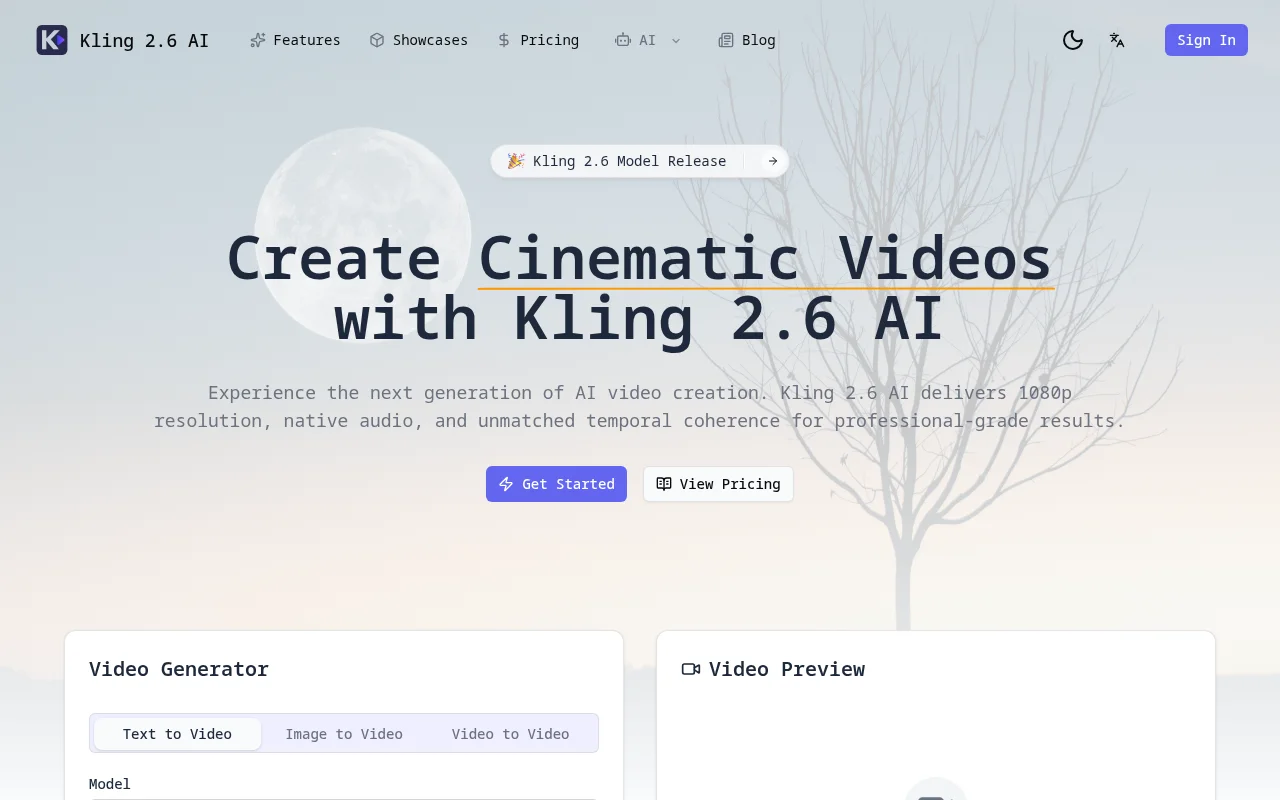
Kling 2.6 AI is an advanced AI video generator that combines the Kling 2.6 video model with intuitive operating controls, allowing users to complete production from storyboards to finished videos in one workspace. Its importance lies in providing users with the next generation of AI video creation experience, with 1080p resolution, native audio and excellent time coherence, which can achieve professional-level video production effects. Key benefits of the product include support for multi-modal input, physically aware motion, native audio support, and more. In terms of product background, it represents the cutting-edge development of AI video generation technology. In terms of price, generating videos requires credits, which can be purchased for use. Product positioning is to provide professional video generation solutions for filmmakers, marketers, independent teams, etc.
Demand group:
["Filmmakers: Kling 2.6 AI's high-resolution rendering, film-style composition, and physical perception of motion can help filmmakers quickly convert storyboards into high-quality video materials, saving shooting time and costs, and improving creative efficiency.", "Marketers: You can use the product's text-to-video function to quickly generate promotional videos based on marketing copy, and support native audio generation to add appropriate sound effects and soundtracks to videos to enhance the appeal and communication effect of the video.", "Independent teams: Independent teams usually have limited resources, and Kling 2.6 AI integrates the entire production process from storyboards to finished videos, providing multi-modal input and collaboration tools, enabling independent teams to complete video production in one workspace without relying on multiple tools and complex processes, reducing production thresholds and costs. "]
Example of usage scenario:
Director David Chen used Kling 2.6 AI to convert the storyboard into a 60-second video clip. The camera movement effect in the video is as good as if it were shot with Steadicam equipment.
Rachel Kim's team used reference prompts to maintain a consistent style throughout the campaign and avoid the hassle of reshoots.
Marcus Thompson used the native audio generation function of Kling 2.6 AI to directly generate music synchronized with the video for customers without having to search for stock music.
Product features:
Supports fusion of text, images, and audio cues: Users can combine natural language descriptions, reference images, and audio cues to guide the video generation process, thereby providing richer and more accurate guidance for video creation.
Achieve 1080p native resolution rendering: It can generate 1080p high-definition video with movie-style composition and motion control. The video picture has movie-level depth of field, lighting effects and motion blur, ensuring high-quality video output.
Ensure temporal coherence: During the video production process, it can maintain excellent temporal coherence, allowing characters, props and lighting to remain consistent in long sequence videos, making the entire video look more natural and smooth.
Physically aware motion: Depth parallax and object dynamics are modeled by default, giving each shot a realistic physical feel and making object motion in the video more consistent with the physical laws of the real world.
Supports native audio generation: dialogue, sound effects or soundtracks that are synchronized with video frames can be generated to add a vivid auditory experience to the video without the need to find additional adapted audio resources.
Provide collaboration tools: It is convenient for team members to share scenes, collect feedback and manage rendering credits, improve team collaboration efficiency, and make the process of video creation more convenient for multiple people.
Usage tutorial:
1. Describe the scene: Write detailed prompts covering theme, movement, camera shots, and mood.
2. Add references: Optionally upload still images, sketches, or audio cues to determine the style and pace of your video.
3. Generation and optimization: Run Kling 2.6 AI to generate a video draft, adjust the motion path or key frames, and re-render within seconds.
4. Export and share: Download 1080p videos with native audio, or send videos directly to editing applications.