Lensgo AI
Create stunning images and videos instantly with Lensgo AI—effortless, fast, and perfect for creators, designers, and marketers.

English
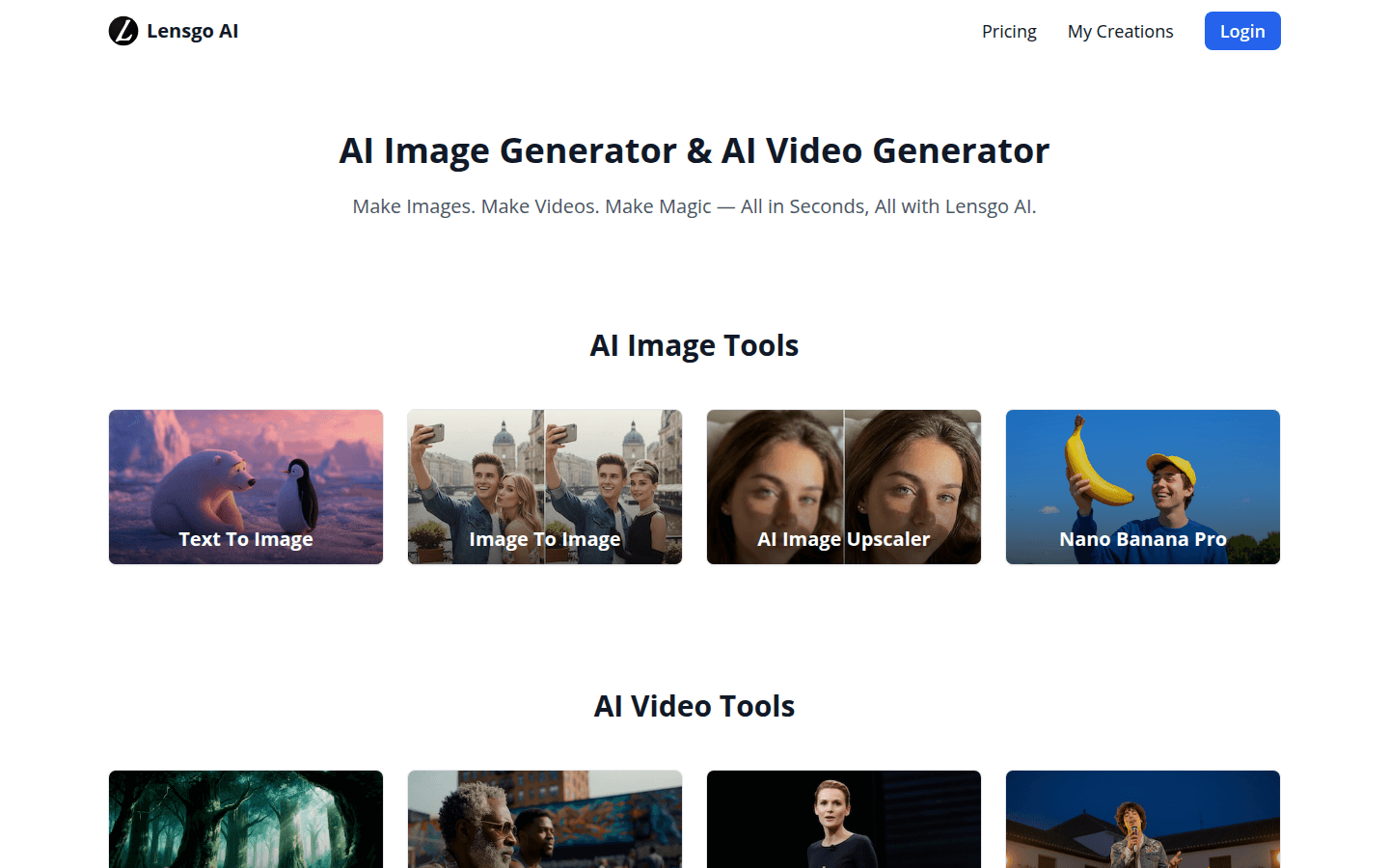
Lensgo AI is an artificial intelligence tool that integrates image and video generation functions. Its importance lies in the use of advanced AI technology to greatly improve the efficiency of content creation. The main advantages include simple operation, fast generation speed, and the ability to complete image and video creation in a short time. The product background was born with the development of AI technology to meet users' needs for efficient content creation. The price is not mentioned, but it is positioned as a tool that provides a convenient and efficient creative experience.
Demand group:
["Content creators: For content creators who need a large amount of images and video materials, Lensgo AI can quickly generate the required materials, saving creation time and costs.", "Designers: Designers can use its image and video generation functions to get inspiration, quickly realize creative ideas, and improve design efficiency.", "Marketers: Marketers can produce attractive marketing content and improve marketing effectiveness by generating high-quality images and videos."]
Example of usage scenario:
Content creators use Lensgo AI to quickly generate article images and videos to improve content production speed.
Designers use its image-to-image conversion function to quickly generate design drafts in a variety of styles for projects.
Marketers use this tool to generate attractive advertising images and videos to enhance product promotion effectiveness.
Product features:
Text-to-image function: Users only need to enter a text description, and it can be quickly converted into lifelike images through AI algorithms to meet diverse image creation needs.
Image to image function: Users can upload existing images, perform style conversion, detail optimization and other operations on them to generate new images with different styles and characteristics.
AI video generation function: Supports users to use AI technology to generate videos, and can quickly generate high-quality video content based on user needs and input key information.
Google One Tap login function: Users can use the Google One Tap function to log in quickly, simplifying the login process, improving usage efficiency, and ensuring login security.
Mobile menu and user menu management function: Provides convenient mobile menu and user menu management to facilitate users to operate on different devices, and can easily switch menu status to meet the usage needs of different scenarios.
Usage tutorial:
1. Open Lensgo AI website.
2. Use Google One Tap or other methods to log in to your account.
3. Select the desired function, such as text to image, image to image or AI video generation.
4. Enter the corresponding information according to the selected function, such as text description, upload image, etc.
5. Click the Generate button and wait for the AI to generate the results.
6. Adjust and optimize the generated results until you are satisfied.
7. Download or save the resulting image or video.