Rekam AI
A powerful AI voice creation tool with text-to-speech, voice cloning, and more. Perfect for creators, educators, and marketers.

English
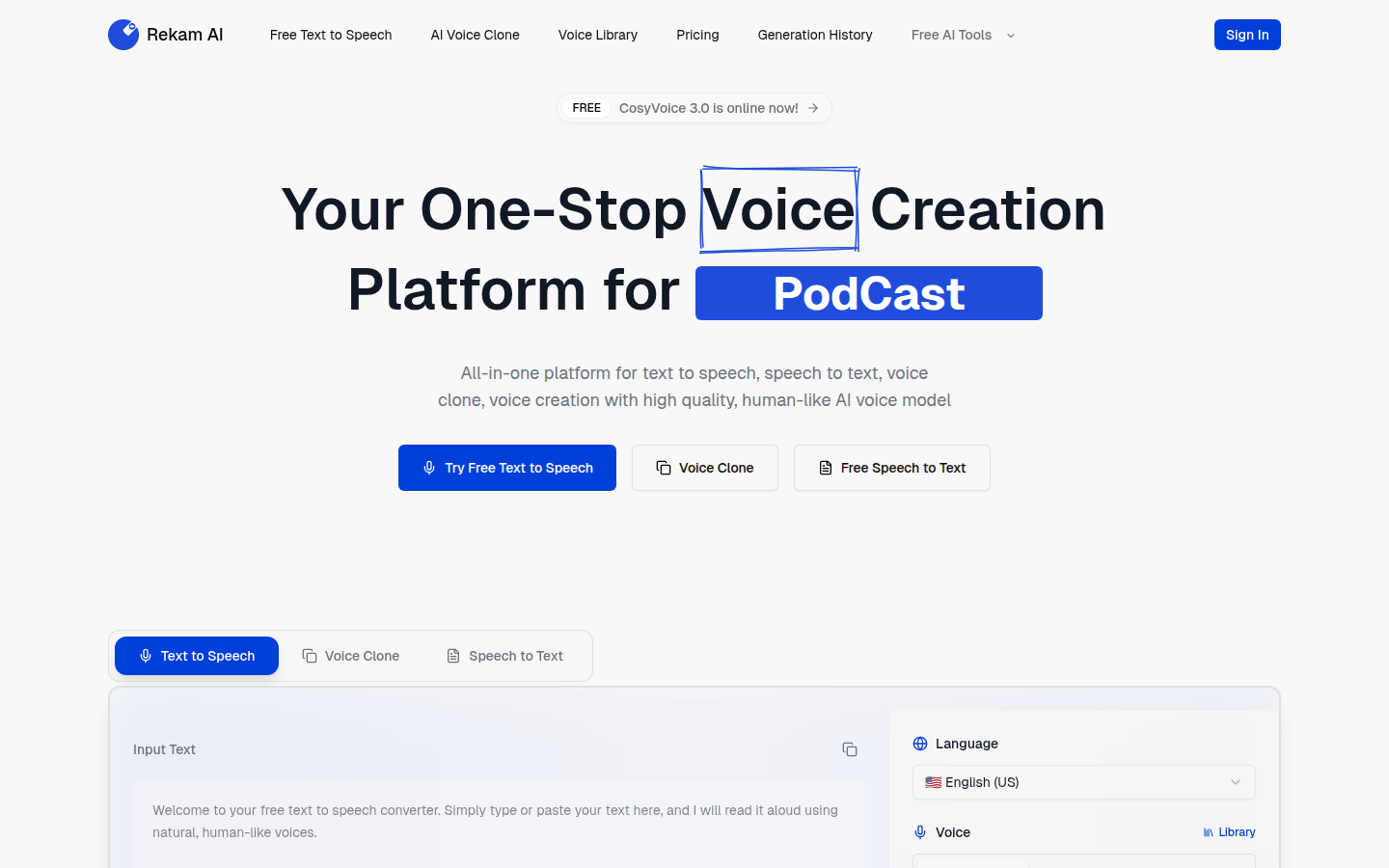
Rekam AI is an integrated AI voice creation platform. Its importance lies in providing users with convenient and efficient voice processing solutions. The main advantages include free use, high-quality and realistic human-like AI voice models, covering multiple functions such as text-to-speech, speech-to-text, and voice cloning. The product positioning is to provide one-stop service for users with voice creation needs. In terms of price, there is a free version and a Pro version that can be upgraded for a fee.
Demand group:
["Content creators: Content creators often need different styles and types of voices when creating audio content. Rekam AI 's rich voice library and high-quality text-to-speech function can meet their diverse voice needs, help them quickly generate various audio content, and improve creation efficiency.", "Educators: Educators can use the platform's speech-to-text function to convert teaching audio into text materials, which facilitates the arrangement and editing of teaching content. At the same time, the text-to-speech function can also be used to produce audio learning materials to provide students with diverse learning methods.", "Corporate marketers: When corporate marketers produce marketing materials such as advertisements and promotional audios, Rekam AI 's AI voice cloning function can help them clone voices with brand characteristics and enhance brand recognition. Its multiple voice options can also meet the needs of different marketing scenarios."]
Example of usage scenario:
Content creators use the platform to convert articles into audiobooks, making it easier for listeners to listen by selecting the right voice.
Educational institutions use the platform's voice cloning function to clone teachers' voices and produce personalized teaching audio to improve students' interest in learning.
When companies produce product promotion videos, they use the platform's text-to-speech function to add professional and natural voice explanations to the videos.
Product features:
Free text-to-speech feature: Users can use the platform’s text-to-speech feature for free, simply typing or pasting text, and the platform reads the text aloud using natural and lifelike human-like speech.
AI voice cloning function: Users can use the platform's AI voice cloning function to clone their own or other desired voices through specific operations to meet diverse voice needs.
Voice library function: The platform provides a rich voice library, including a variety of different voice types, such as American English male and female voices. Users can choose according to their own preferences and needs.
Speech-to-text function: Users can upload voice files to the platform, and the platform will accurately convert the voice content into text, making it convenient for users to edit and process.
Generation history function: The platform will record the user's voice generation history, making it convenient for users to view and manage previously generated voice files at any time.
Usage tutorial:
Step 1: Open a web browser and visit Rekam AI ’s official website https://www.rekam.ai/.
Step 2: If you need to use some advanced functions, you can click "Sign In" to register or log in to your account.
Step 3: Choose the corresponding functions according to your needs, such as text-to-speech, voice cloning, speech-to-text, etc. If you choose the text-to-speech function, after entering the function page, enter or paste the text to be converted in the input box.
Step 4: Choose the appropriate voice. The platform provides a variety of different voice types and languages for users to choose from.
Step 5: Click the generate button and wait for the platform to generate the voice. After the generation is completed, users can perform operations such as listening and downloading.