Tubeletter
Automate YouTube newsletters with Tubeletter. Save time, grow your audience.

English
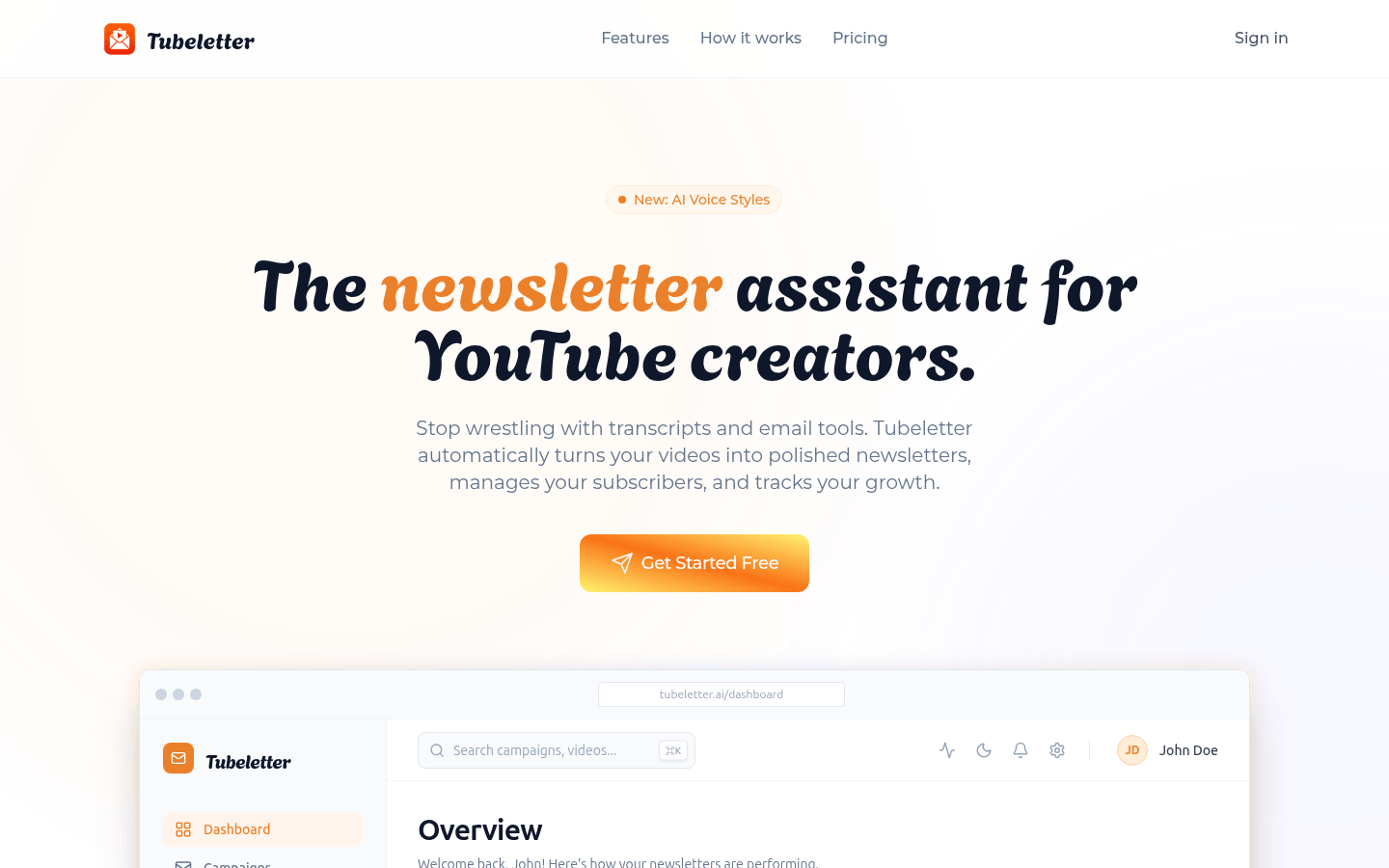
Tubeletter is an all-in-one newsletter assistant built specifically for YouTube creators. It uses AI technology to automatically convert YouTube videos into engaging newsletters, helping creators manage subscribers and track growth. Its importance is that it greatly saves creators’ time in manually writing summaries and processing email tools, allowing creators to focus on content creation. The product background was developed to meet the needs of YouTube creators in content distribution and fan management. In terms of price, it provides free version, professional version (USD 14.99/month) and professional upgraded version (USD 29.99/month). The positioning is to provide services for YouTube creators of different sizes. From creators who are just starting out to professional content creators, everyone can find a version that suits them.
Demand group:
["New YouTube creators: For newbies who are just starting to create content on YouTube, Tubeletter 's free version can help them easily start converting videos into newsletters, manage a small number of subscribers, and focus on content creation without worrying about complex email processing and audience management.", "Growing creators: As the scale of creation expands, the Pro version provides more features, such as connecting multiple channels, managing more subscribers, and customizing AI voice styles to meet the needs of creators in the development process.", "Pro Content Creators: The Pro Plus is suitable for professional creators with large volumes of content and a large number of subscribers, offering unlimited channel connections and subscriber management, as well as priority support to ensure they can manage their fan base efficiently."]
Example of usage scenario:
A technology blogger uses Tubeletter to convert his technology videos into newsletters, which are sent to subscribers regularly. The summaries written by AI attract more audience attention, and the number of subscribers continues to grow.
A gaming anchor used Tubeletter 's audience management feature to segment the list based on subscribers' interests and push different types of gaming video newsletters, increasing subscriber engagement and open rates.
An educational creator used Tubeletter 's real-time analytics to understand the effectiveness of his newsletter and optimize content and delivery times based on the data to make his educational videos more widely distributed.
Product features:
AI automatically writes newsletters: Tubeletter automatically extracts YouTube video content, deeply understands its context, and automatically writes clear, engaging summaries without the need for creators to write them manually.
Audience management function: Provides a registration page to facilitate creators to manage subscribers, and can segment the list according to subscribers' interests or participation to push content more accurately.
Performance insights analysis: Key indicators such as open rates and click-through rates can be tracked, giving creators a clear understanding of channel-based campaign performance to optimize content and promotion strategies.
Personalized AI writing style: Creators can select any video from their own video library, and AI will analyze the video content, extract key takeaways, and write a newsletter that sounds like the creator themselves wrote it.
Beautiful registration page: Provide a branded landing page that can effectively convert viewers into subscribers and increase subscription rates.
Real-time analysis function: Track the opening rate, click-through rate and subscriber growth of emails in real time, allowing creators to understand the promotion effect in a timely manner.
Reliable email delivery: Use enterprise-level email infrastructure to ensure that emails can be delivered to subscribers reliably.
Usage tutorial:
1. Register and log in Tubeletter account.
2. Connect your own YouTube channel.
3. Select the videos from your YouTube channel that you want to convert into a newsletter.
4. Wait for AI to analyze the video content and extract key points.
5. View the AI-generated newsletter summary and edit and modify it as needed.
6. Configure the subscriber list, which can be segmented and filtered.
7. Once confirmed, send the newsletter to subscribers.
8. Track the open rate, click-through rate and subscriber growth of the newsletter through real-time analysis functions, and optimize subsequent content and promotion strategies based on the data.