Z
Generate stunning images fast with Z-Image Turbo—ideal for creators, designers, and marketers.

English
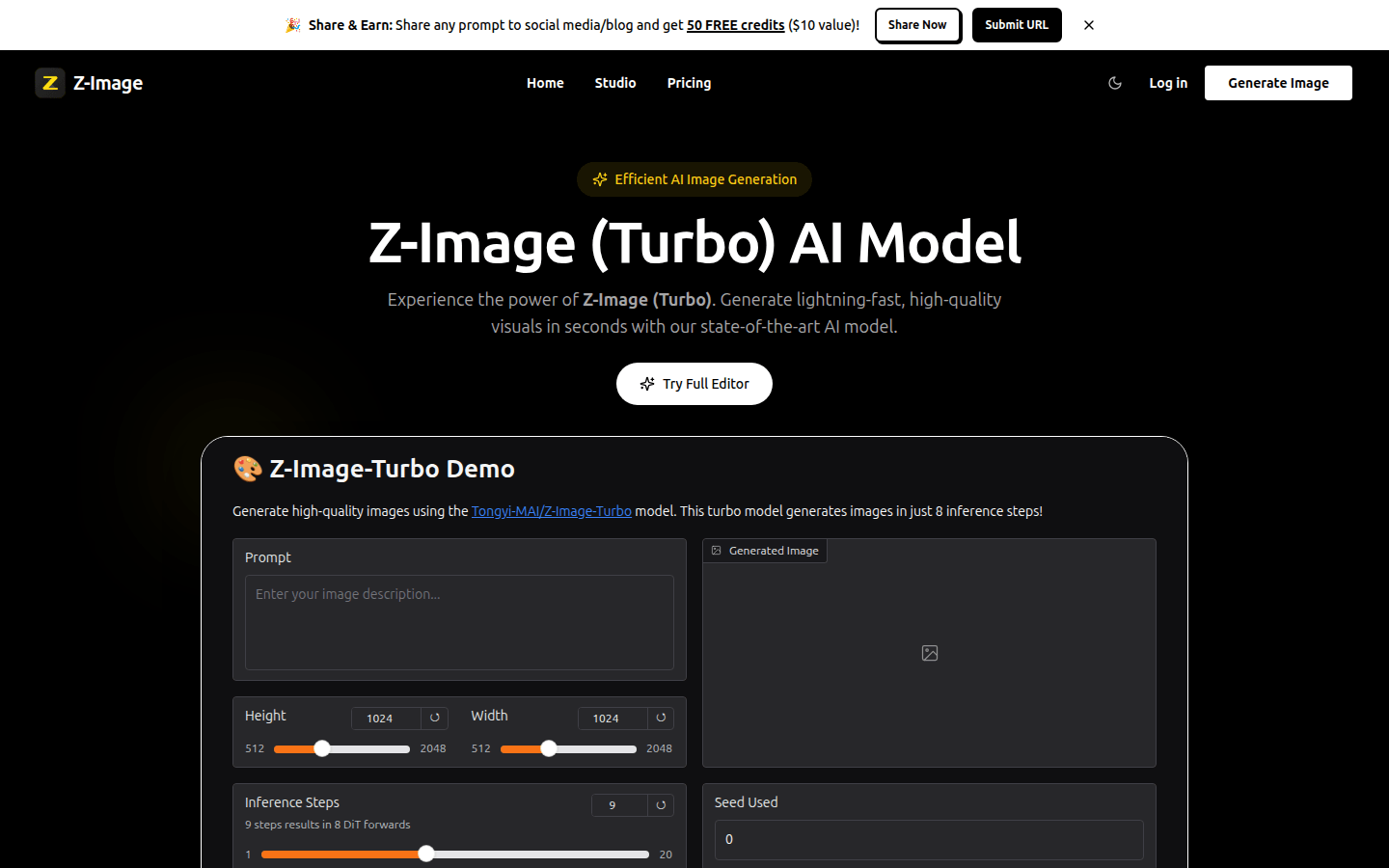
Z -Image Turbo is an advanced AI image generation model whose importance lies in providing creators and developers with powerful image generation capabilities. Its main advantages include lightning speed, high-quality output, and high versatility. The model's optimized architectural design achieves extremely fast image generation speed without sacrificing quality, which can meet the needs of real-time creation and make the creative process smoother. Its advanced AI technology generates clear, detailed, and lifelike images to professional-grade standards. It adapts to a variety of creative needs, from concept art to marketing materials, allowing users to easily explore unlimited styles, themes and artistic directions. New users can get 25 free points (which can generate about 2 videos) when registering. It is positioned as an AI image generation tool for creators and developers.
Demand group:
["Content creators: For content creators working in social media, blogging and video fields, Z -Image Turbo can help them generate stunning visual content, such as attractive thumbnails and exquisite graphics, in a short time, thereby improving their creative efficiency and work quality, and attracting more attention.", "Designers and artists: Designers and artists can use this model to explore creative concepts and design sketches, accelerating their creative ideation process. Its high versatility and high-quality output can provide them with more creative inspiration and possibilities, helping them realize various unique artistic ideas.", "Marketing teams: Marketing teams can use Z -Image Turbo to generate professional marketing materials, advertising creatives and promotional graphics without the need for expensive photography shoots, saving time and costs, while being able to quickly respond to market needs and launch attractive marketing campaigns.", "Developers and researchers: Developers and researchers can integrate Z -Image Turbo's powerful image generation capabilities into their own applications, conduct experiments and research on AI models and prompting technologies, and promote technological development in related fields."]
Example of usage scenario:
GT PC Gaming GT500org used Z -Image Turbo to generate Star Wars-related images, and despite the original request being for a space battle scene, the resulting image turned out great.
Wildminder wildmindai uses Z -Image Turbo to produce images with a classic film color style, whose rich saturation and dramatic lighting enhance the depth and texture of the picture.
Pablito pablito sol uses ComfyUI with Z -Image Turbo, considers it his preferred combination for AI image generation, and shared various images generated using this combination.
Product features:
Lightning-fast generation speed: The Z -Image Turbo model is able to generate images in just a few seconds, greatly saving users' time, allowing creators to realize their ideas more efficiently, maintaining a smooth creative process, and eliminating the need to wait for a long time for image generation results.
High-quality image output: Using advanced AI technology, this model can generate clear, sharp, detailed and lifelike images. Each generated image can maintain excellent clarity and professional-level quality to meet various professional creation needs.
High degree of versatility: Whether it is concept art, marketing materials, game materials or other creative fields, Z -Image Turbo can easily adapt, allowing users to freely explore unlimited styles, themes and artistic directions to achieve diverse creative goals.
Flexible parameter adjustment: Users can fine-tune the style, aspect ratio and other parameters of the image according to their own creative needs, so that the generated images are more in line with their expectations and creative ideas.
Supports saving and sharing: Users can save the generated images to facilitate subsequent organization and use. They can also share their works to the community, communicate and interact with other creators, or perform iterative optimization based on feedback.
Usage tutorial:
Step 1: Enter the prompt word. Use natural language to describe the image you want to create, either in detail or simply expressing your idea.
Step 2: Adjust settings. Fine-tune the image's style, aspect ratio, and other options based on your creative vision.
Step 3: Generate image. Click the Generate button and wait for Z -Image Turbo to create your masterpiece in seconds.
Step 4: Download and share. Save the resulting image, share it with the community to connect with other creators, or iterate and refine as needed.